Creating a new sub-farm
View the farm dashboard by clicking a sub-farm on the navigation drawer on the left of the main dashboard. When you click on a sub-farm, the sub-farm name will be highlighted in green and the locations within that sub-farm will be displayed.
When you first register, a farm and an initial sub-farm are automatically created for you.
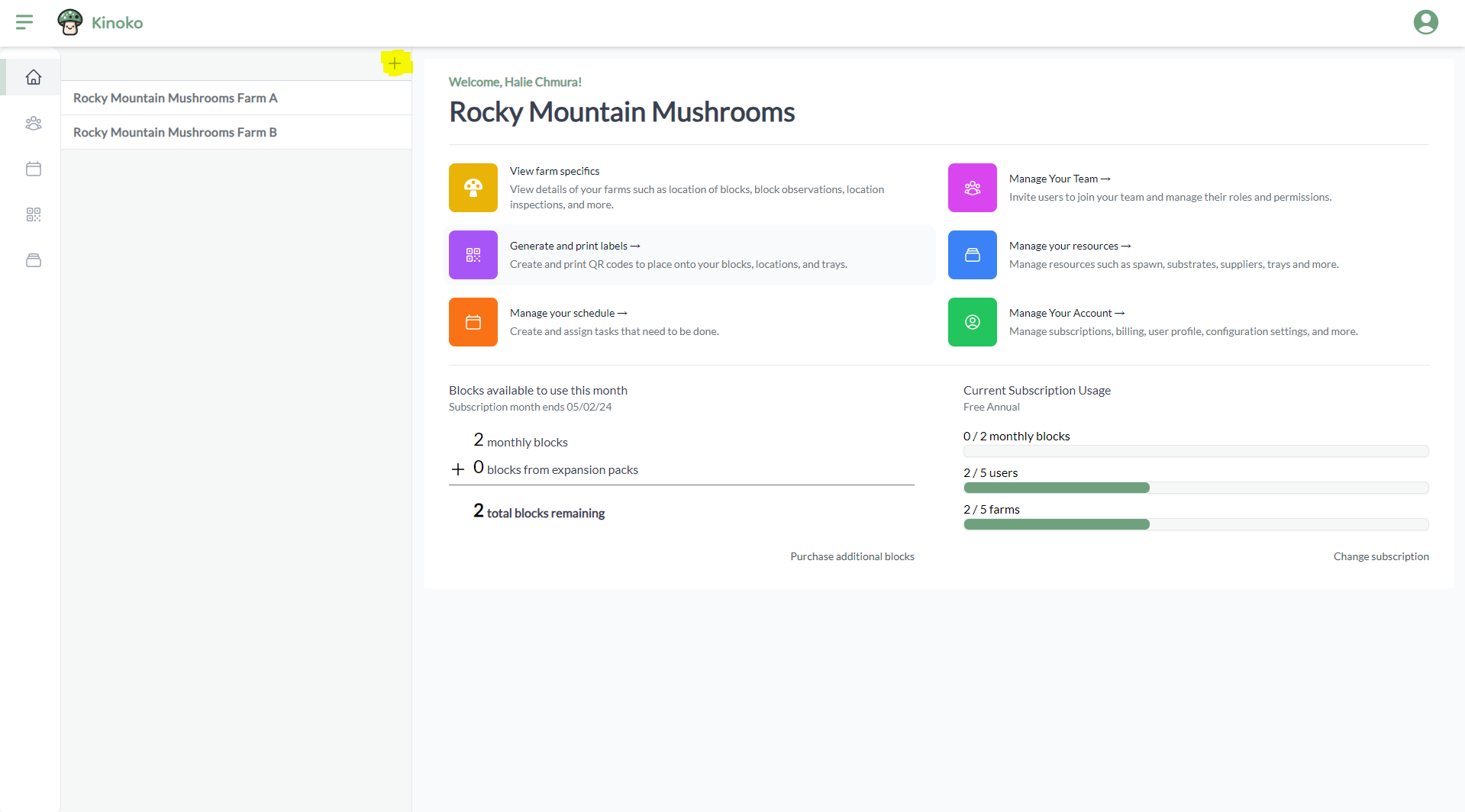
You may want to have more than one sub-farm. For instance, if you are running a business named Rocky Mountain Mushrooms and you have multiple locations (e.g. one in Breckenridge, CO and another in Denver, CO), you may want to create a sub-farm for each of these locations. This way you can have all your data for multiple farms in one place, without having to make different accounts.
To create a new sub-farm, click the plus icon in the navigation panel on the left of the farm dashboard:
A side panel will open where you can add the name of your new sub-farm and optionally add locations to your sub-farm. We will discuss locations within a different section of this guide.
Kinoko is subscription based. Depending on your subscription tier, you may be restricted to having a certain number of sub-farms per account.