Updating farm info
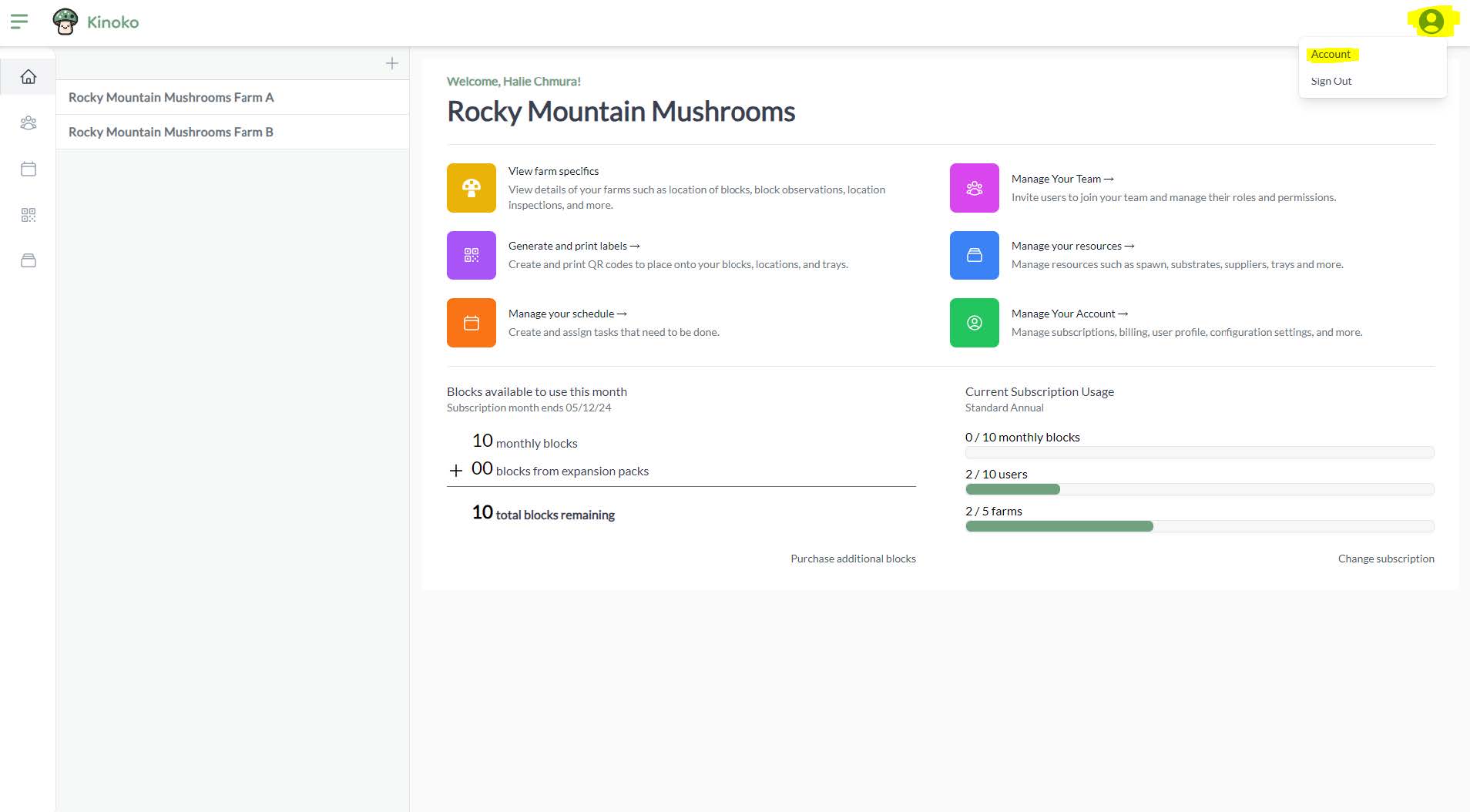
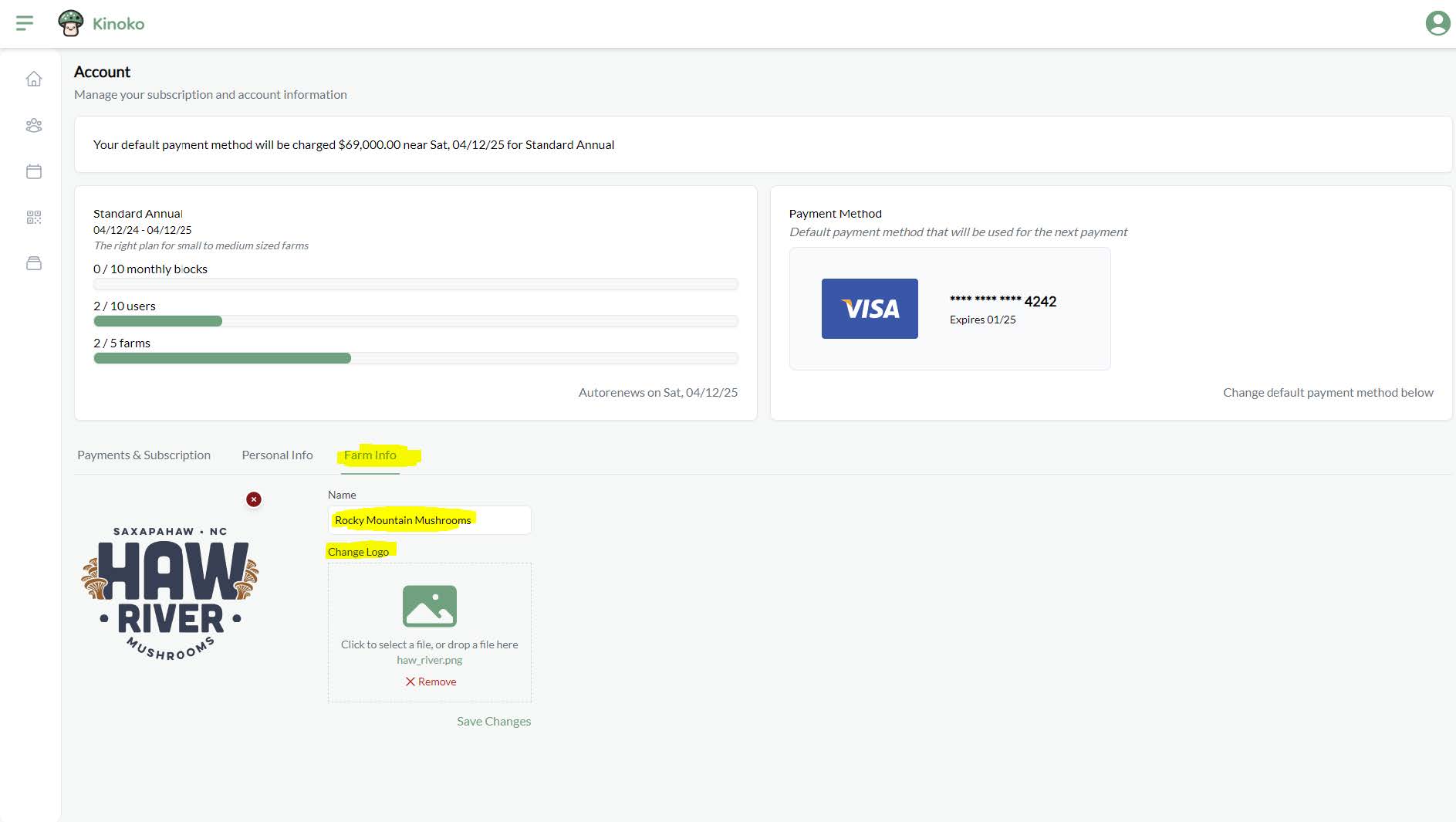
When you registered your account, you created a name for your farm and optionally added a logo. The logo is used within the mobile app on the home screen. You can update this information at any time by going into your account screen (profile icon on right side of navigation bar) and going to the tab labeled ‘Farm Info’: