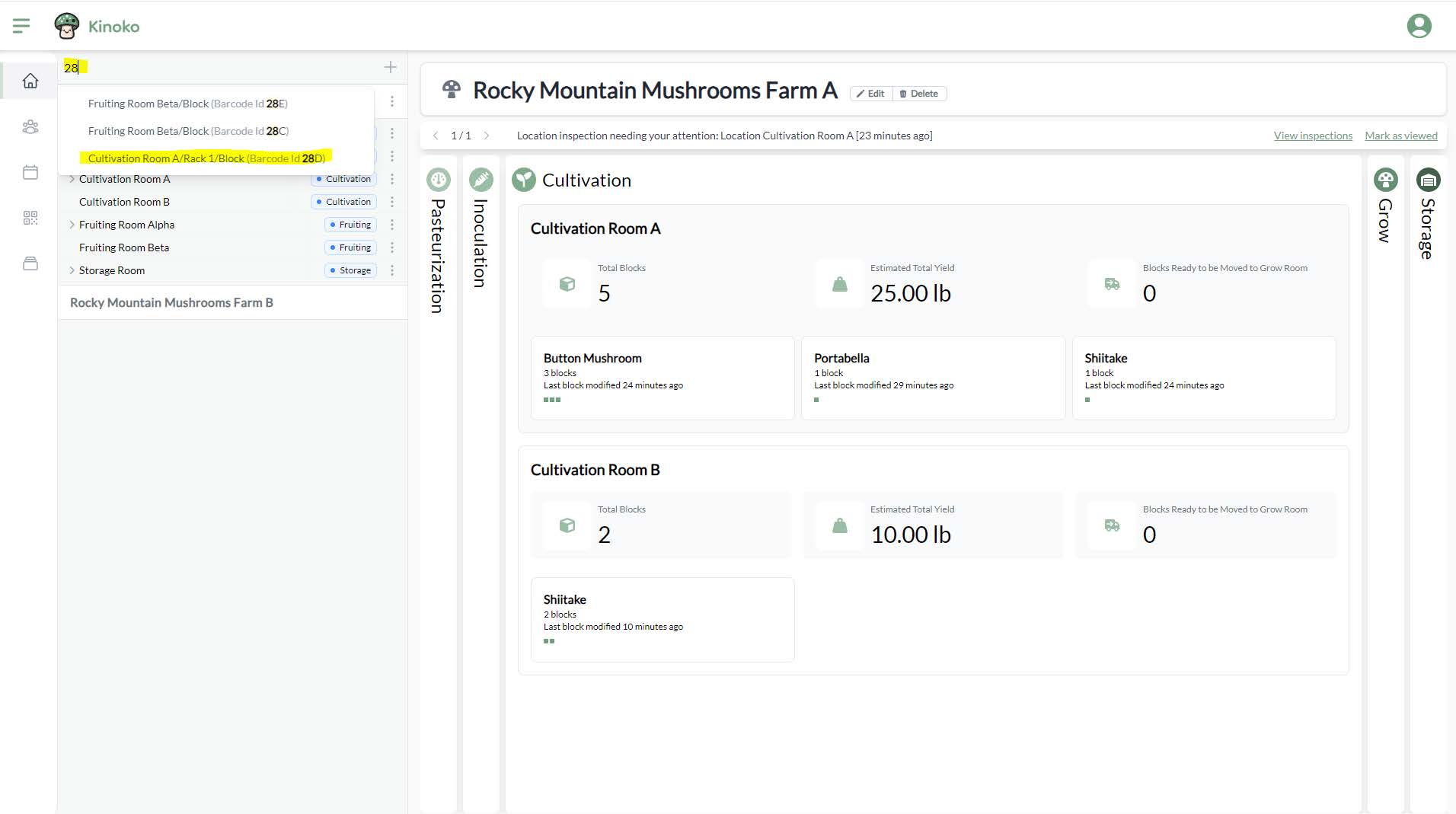
Global search bar
You can quickly find blocks, locations, and trays using Kinoko’s global search feature. You can type the name of a location or enter the barcode identifier of a block, location, or tray to easily find where in the farm that entity is.
To use the global search feature, type within the search box found on the left side panel above your first sub-farm.
For example, if you have a block with the barcode identifier #28D, you can type 28D into the search box to quickly find the block: