Managing your team
You can invite users via email to join your farm and sub-farms and assign roles to each. Depending on roles, users you have invited will have specific permissions and access levels to your farm.
When a user is invited, they will receive an email that contains a link for them to register a new account. Once they register, they will be able to login to the web and mobile apps and start using Kinoko for your farm.
User management
You can view all users currently within your farm and pending invites under the Team Members management screen. You have the ability to remove a user from your farm by clicking the red deactivate button next to a given user’s information. Depending on each user’s role, you potentially have the ability to impersonate that user.
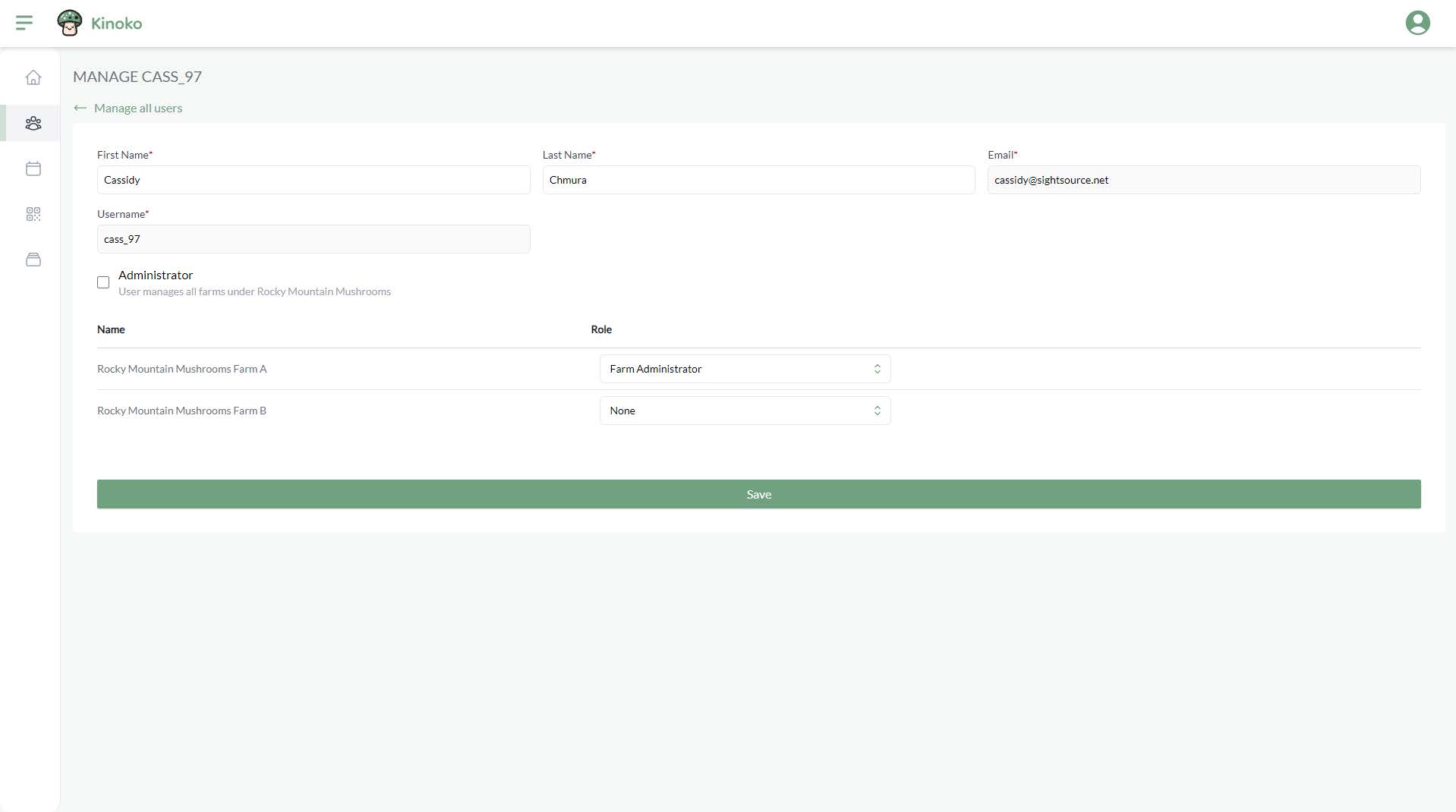
Click a row in the team member table to edit the information of that user. You can change the role that a given user has in each of your sub-farms.