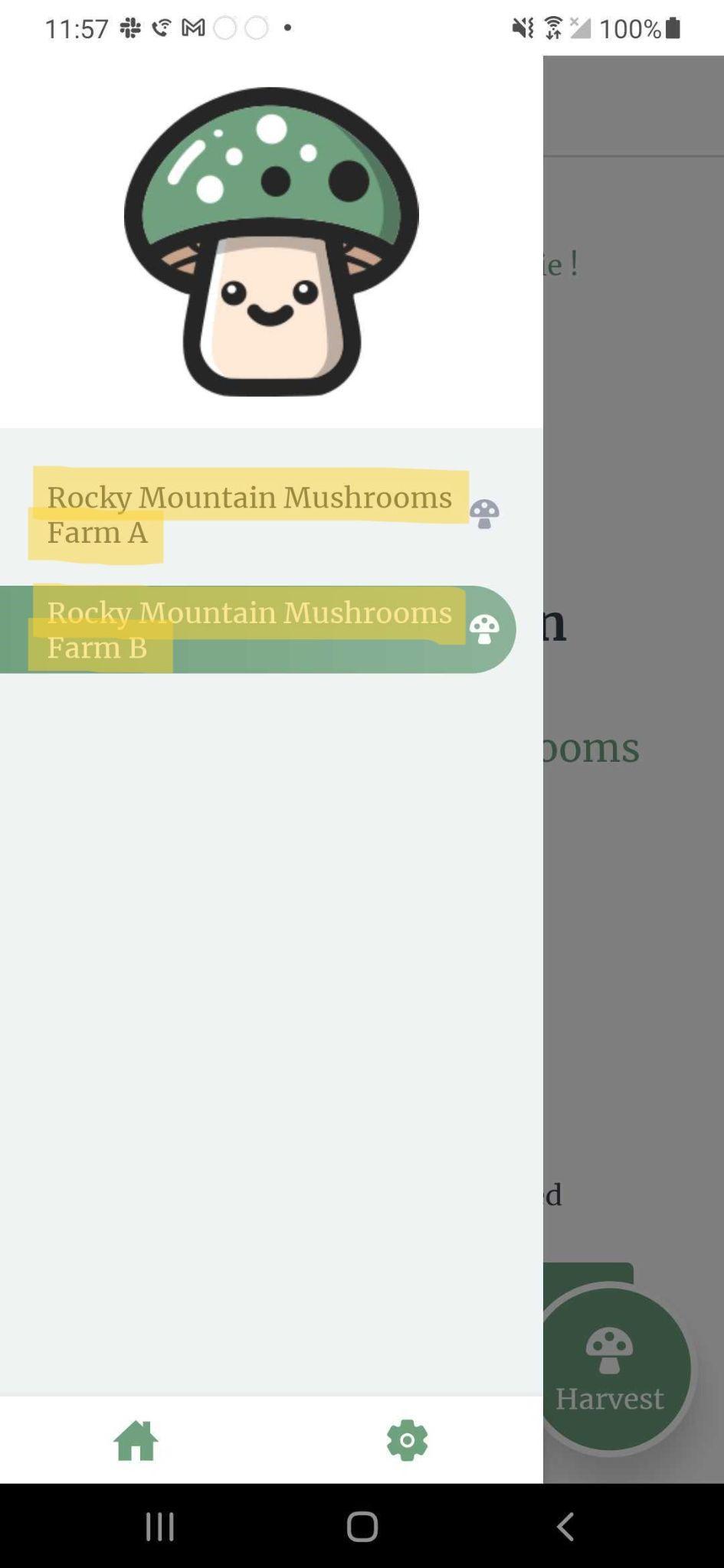
Switching sub-farms
A user can be associated with one or more sub-farms. To switch which sub-farm you are currently scanning QR code labels for, you can click on the sandwich menu icon in the top-left corner which opens a drawer on the left. You will see a list of all the sub-farms you are currently a part of. Switch your sub-farm by clicking on the name of the sub-farm.
note
If you attempt to scan a QR code label belonging to a different sub-farm, you will be alerted that the QR code label does not belong to that sub-farm.