Scanning QR codes
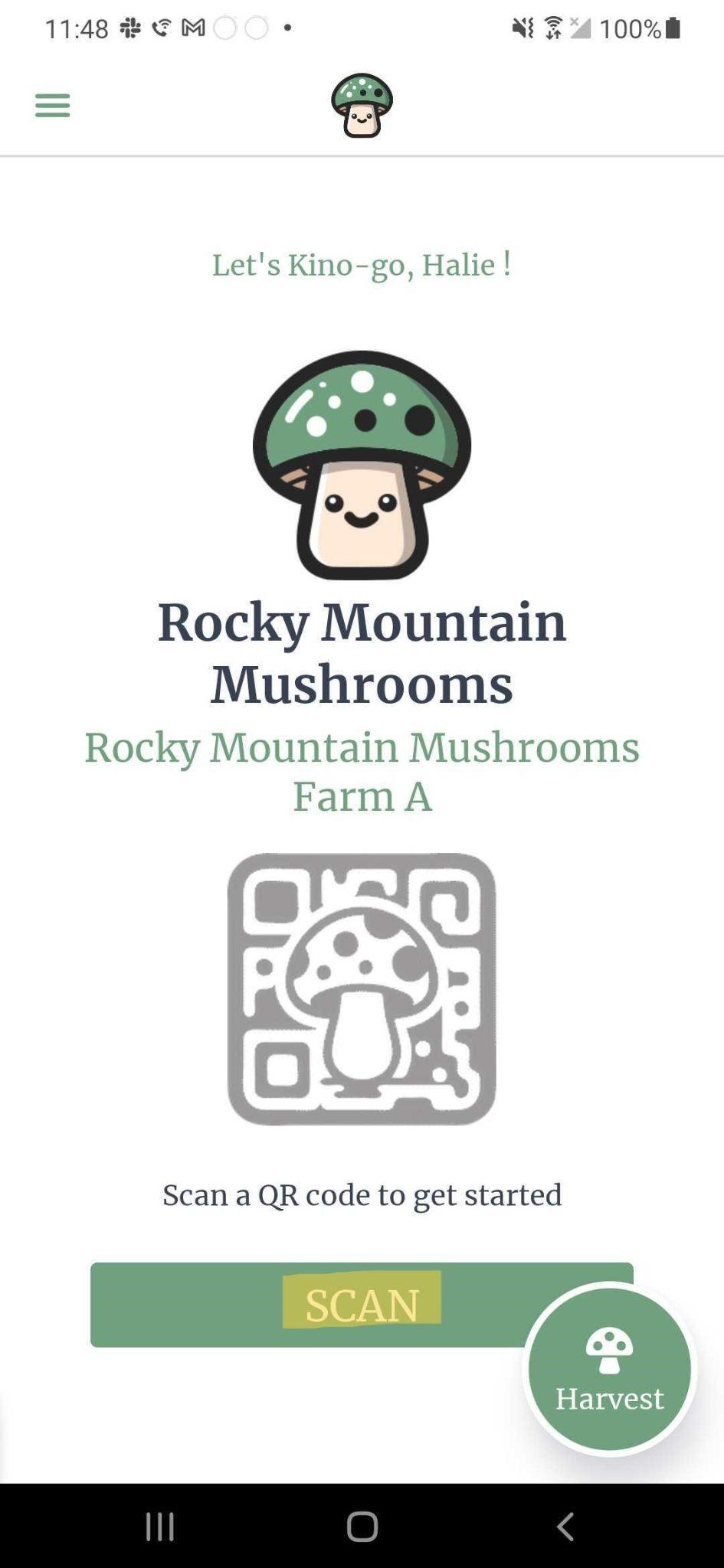
Everything within the mobile app is initiated by scanning a QR code label. Do this by clicking ‘Scan’ on the home screen. You will then be presented with your camera where you can scan a QR code label
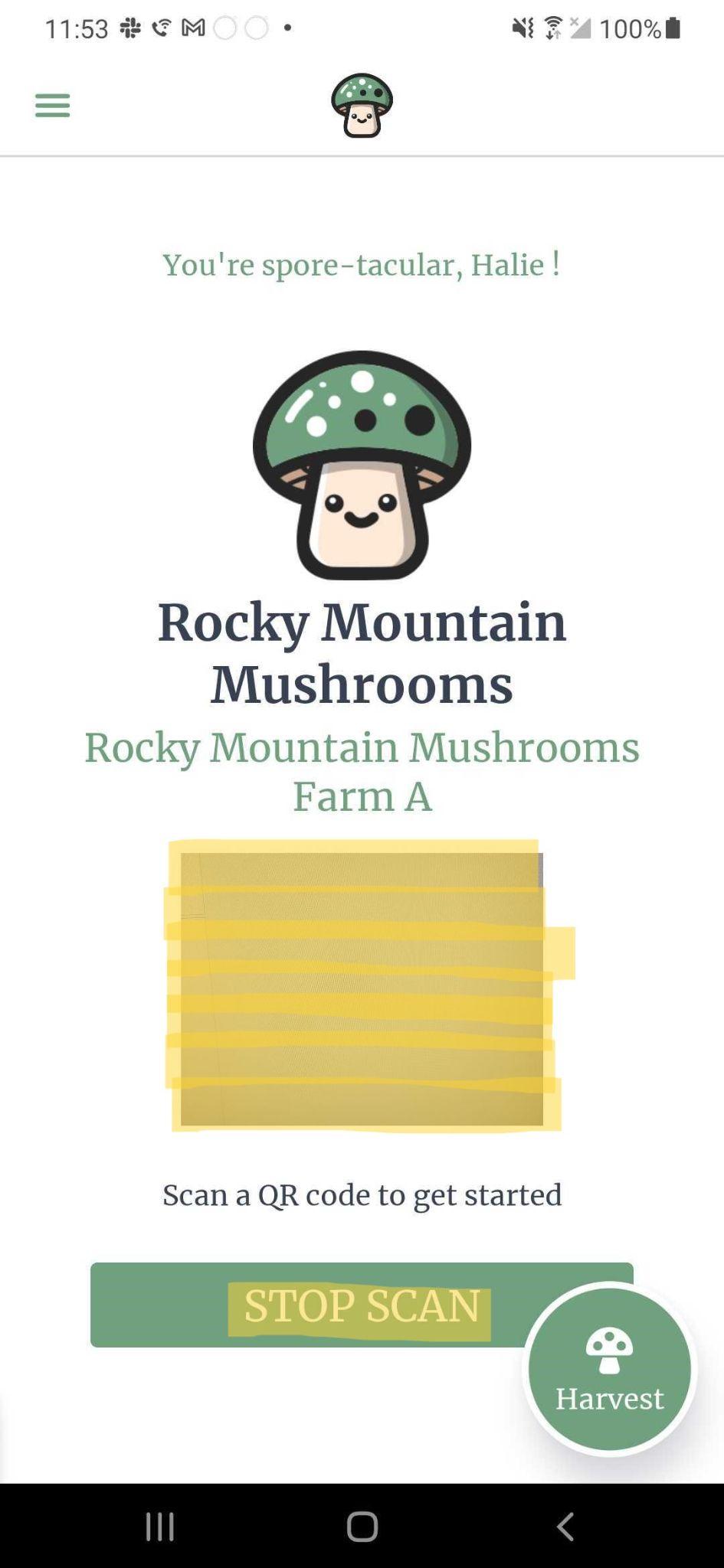
You must give Kinoko permission to access your camera. If you click ‘Deny’ for camera permissions, go into your phone settings and give permission.