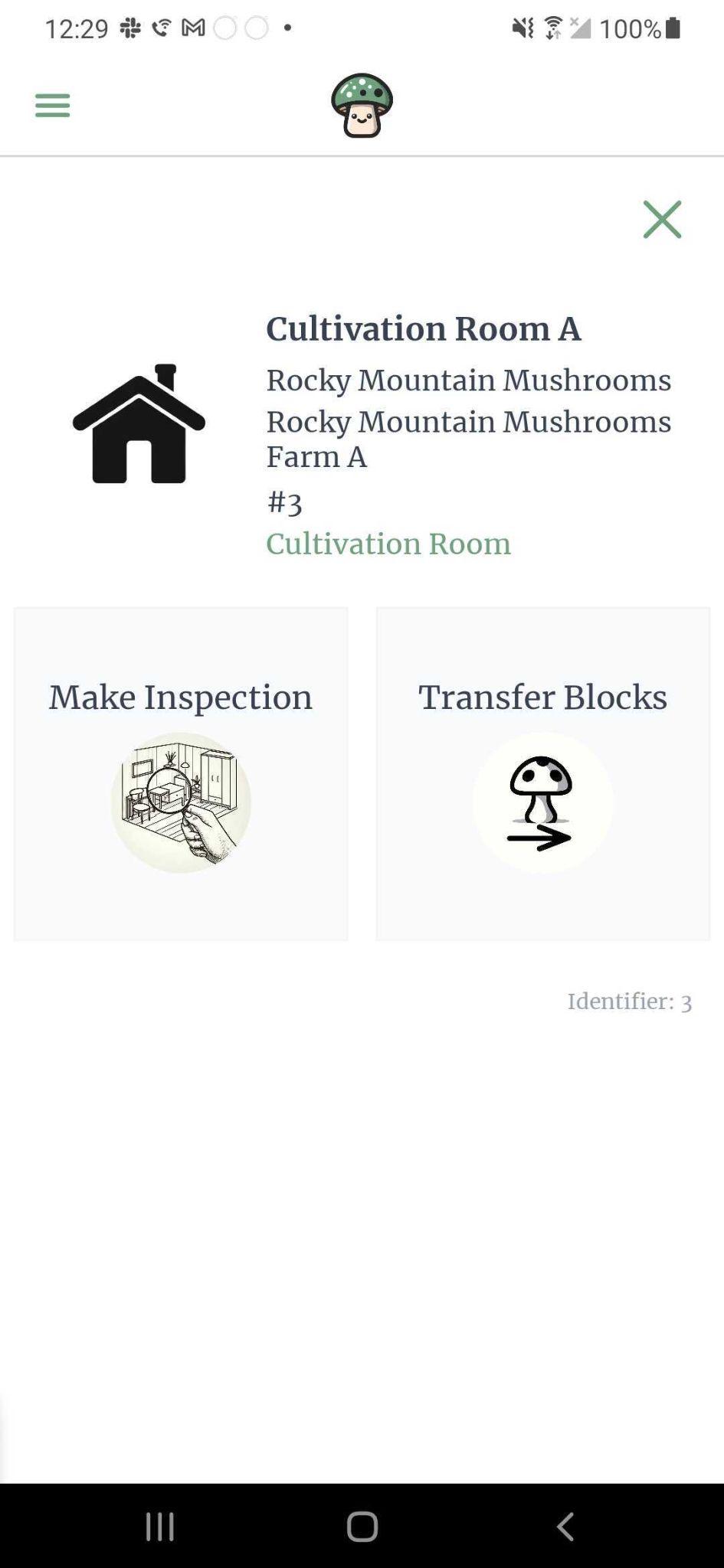
Scanning a location
After scanning a QR code label that belongs to a location, you will be presented with a screen that has options of what actions you can take on that location and information about the location itself.
In the header of the location layout, you will be able to see the name of the location, the mushroom growing process step of the location, and the barcode identifier of the location.
The 3 actions you can take on a location are:
- record an inspection
- transfer blocks (only applicable to non-storage locations)
- transfer trays (only applicable to storage locations)
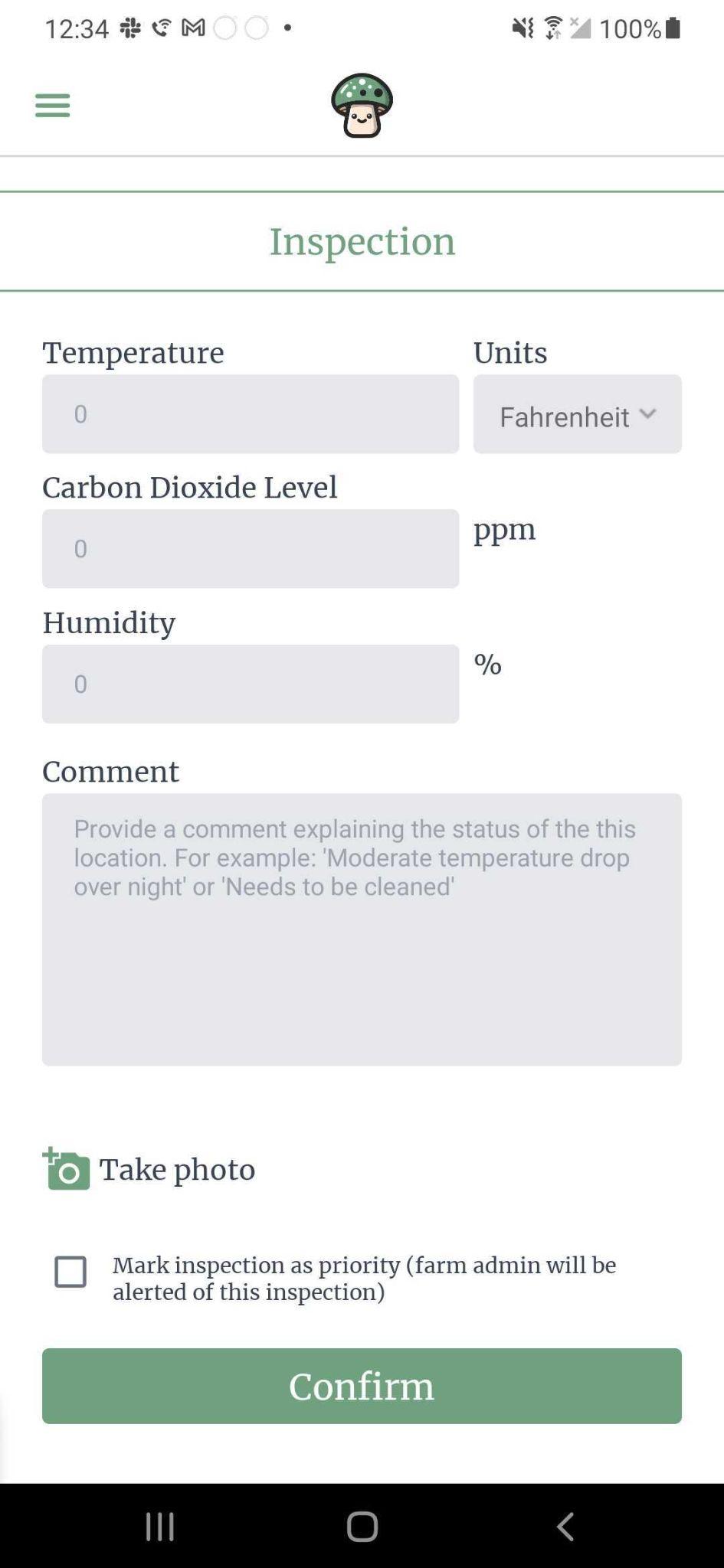
Record an inspection
Gives ability to inspect a location. You can attach an image, add a comment, and potentially mark the inspection as priority. If the location is a top-level location (aka a room), you can also enter information about the temperature, carbon dioxide level, and humidity.
If a location inspection is marked as priority, the farm admin will see an alert on the farm dashboard that someone needs to look into this location.
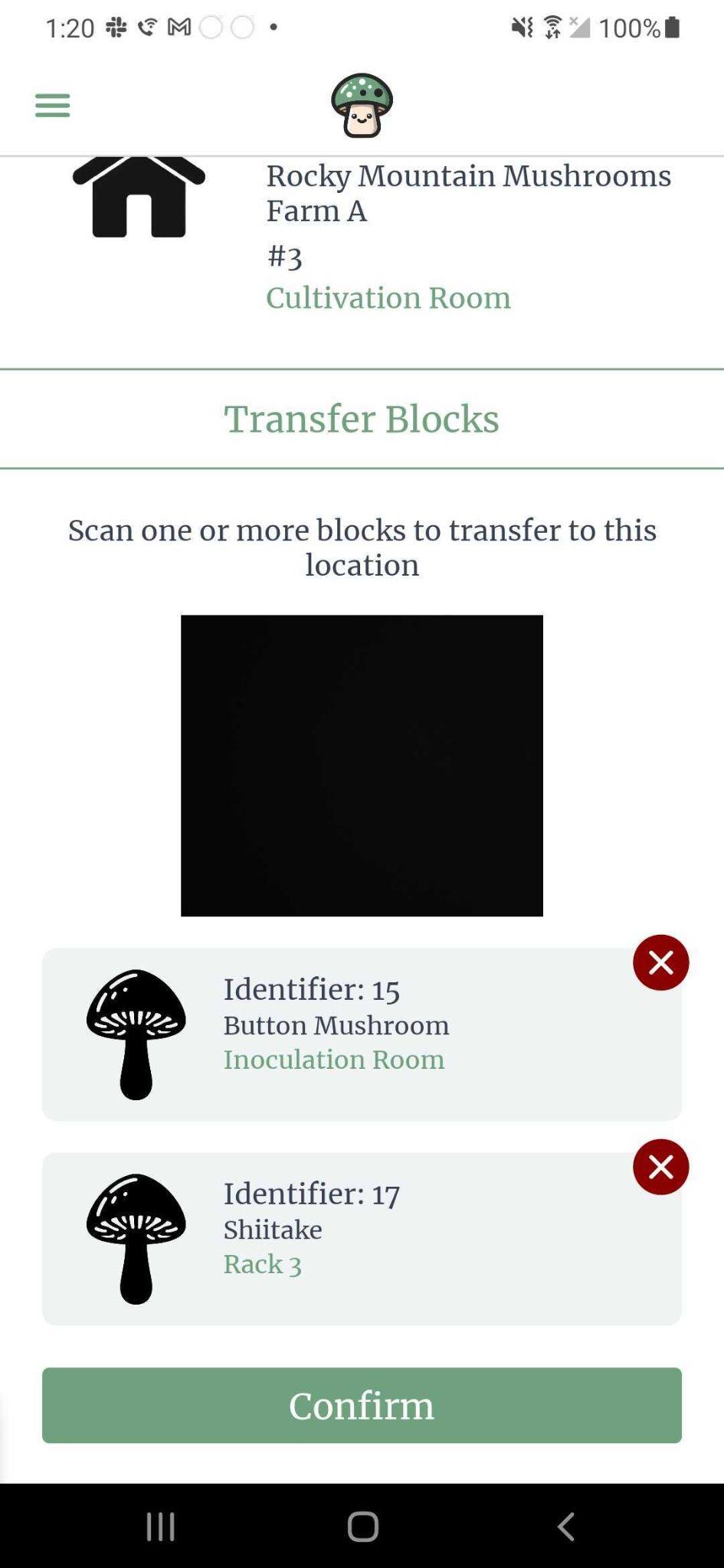
Transfer blocks
You can transfer one or more blocks to a given location at once. If you are transferring multiple blocks to the same location, this is the preferred method.
Blocks cannot be transferred to storage rooms.
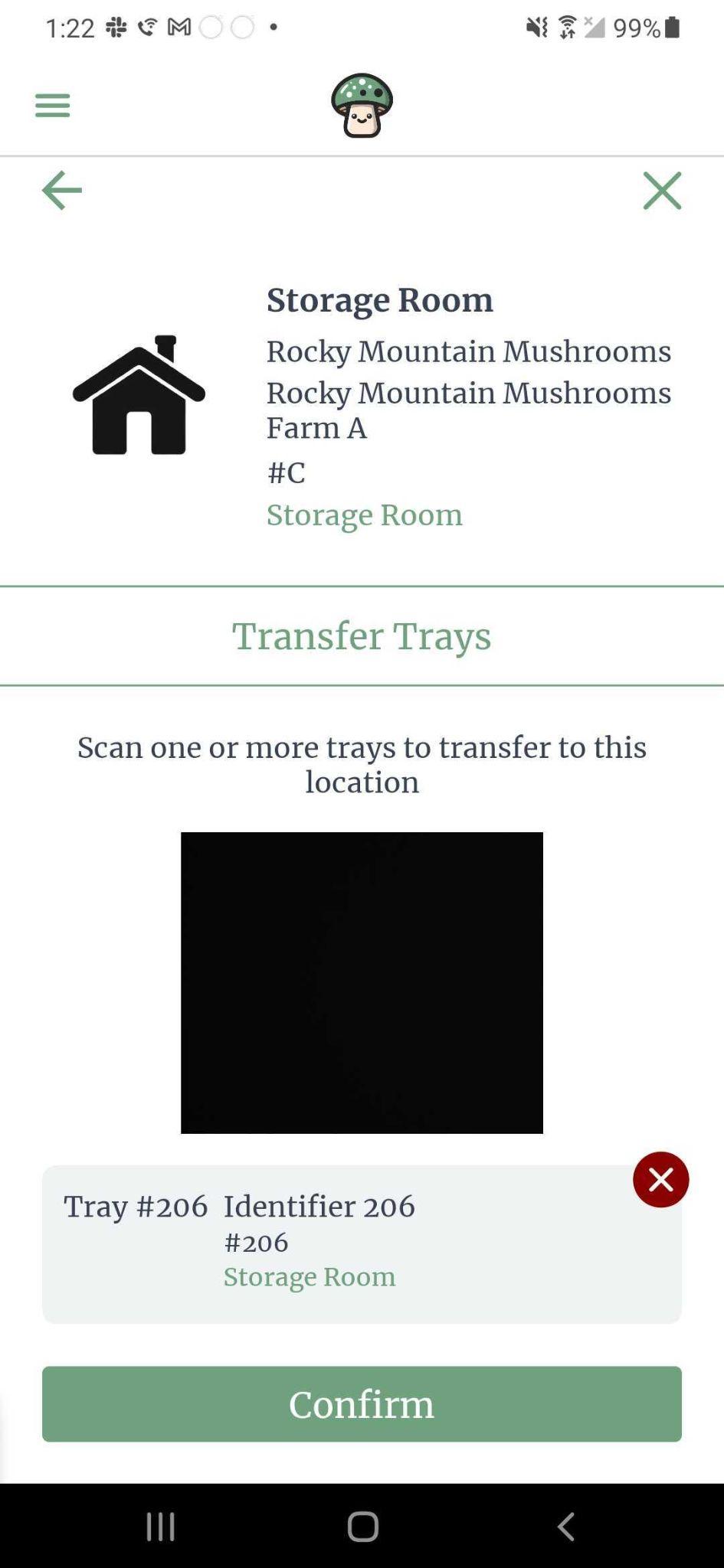
Transfer trays
You can transfer trays to a storage room. When you scan a storage room, you will be able to transfer one or more trays at a time to the storage room.